Author: By Admin, Arya Digital Production
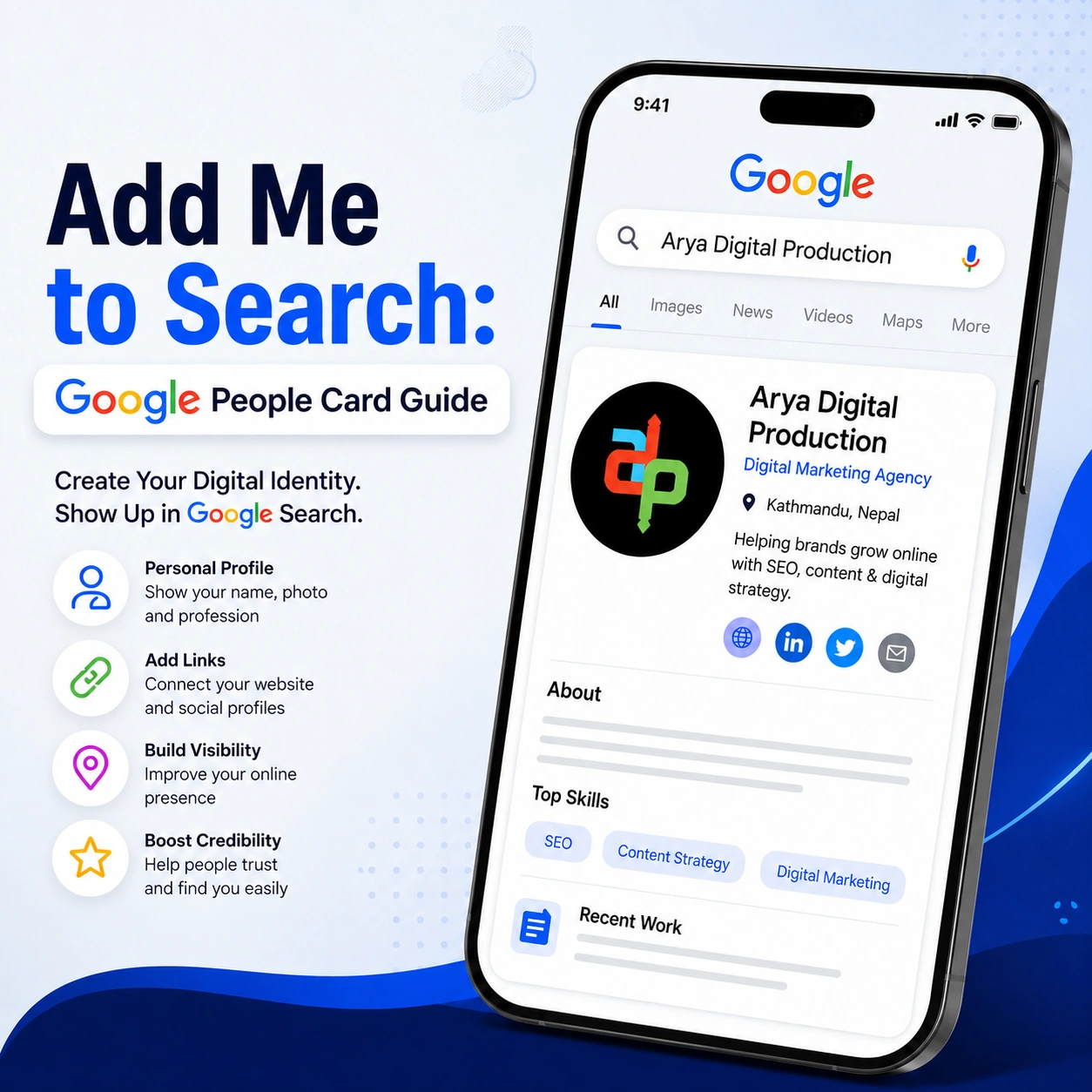
In our digital world, people often google your name before they contact, hire or trust your work. This is why many professionals look to add me to Google when they want their name, profile and professional details to come up clearly in Google Search.
Earlier, Google offered a feature called Add Me to Search, or Google People Card. It was kind of a digital business card where people could share their name, photo, job, location, website and social media links right in search results.
But the feature is no longer there the same way as before. But it’s good to know how to add you to Google because it opens your eyes to how personal visibility works on the internet, and what other options you have to create a stronger digital presence.
Add Me to Search was a Google feature that allowed individuals to create a simple public profile in Google Search. This profile was called a Google People Card.
When someone searched your name, your card could appear with basic information about you. Many users search and add me to Google because they wanted to show their professional identity in a clean and trusted way.
A Google People Card could include:
The main purpose of the feature was to help individuals manage how they appeared online. It was useful for freelancers, entrepreneurs, consultants, influencers, job seekers, and professionals who wanted better personal branding.
The reason people searched to add me to Google was simple: they wanted to be found easily. If a client, recruiter, customer, or business partner searched your name, a clear personal profile helped them understand who you are.
This feature supported personal branding by showing important information in one place. Instead of people finding random or outdated details, your profile could show your correct name, profession, links, and short introduction.
For many professionals, adding me to Google felt like a quick way to build trust. It helped users create a basic digital identity without building a full website.
A Google People Card and Google Business Profile are different.
Google People Card was created for individuals. It was useful for personal visibility, networking, and professional identity.
Google Business Profile is for businesses, agencies, shops, offices, service providers and local companies. It helps businesses get found on Google Search and Google Maps.
But if you're an individual trying to promote yourself, the old add me to Google feature was about your personal profile. If you’re promoting a business, however, Google Business Profile is the way to go.
For example, Google Business Profile would be more appropriate for local business visibility for Arya Digital Production versus personal branding for a freelancer or consultant.
The Google People Card feature is not available in the way it was before. If you are looking for add me to search or add me to Google today, many users may not be able to create a new profile card.
This means if you try to create a Google People Card and the option does not appear, it may not be your phone, browser, or account issue. The feature has been discontinued or restricted, so users should not fully depend on it anymore.
Instead, professionals should focus on stronger and more reliable ways to appear online, such as personal websites, LinkedIn profiles, portfolio pages, Google Business Profile, blogs, and social media optimization.
Previously, users could create Google People Cards through the mobile Google Search. It was a simple process and required no technical ability.
Step 1: Open Google on Your Mobile
Open Google on your mobile device . In the Google app or your mobile browser . Make sure you are logged into your Google account.
Step 2: Search “Add Me to Search”
Type “add me to search” or “add me to Google” in the search bar. If the feature was available in your region, Google showed an option to create your People Card.
Step 3: Start Creating Your Card
Tap the option to create a Google People Card. Google then opened a simple form where you could add your personal and professional details.
Step 4: Add Your Information
Fill in details such as your full name, profession, location, short bio, profile photo, website, and social media links. Keep the information clear, correct, and professional.
Step 5: Preview Your Profile
Before publishing, preview your card carefully. Check your spelling, photo, job title, bio, and links to make sure everything looks accurate.
Step 6: Save and Publish
Complete all the details accurately and save and publish your Google People Card. Once you publish it, it may show up in Google Search when people search for your name.
However, if you search add me on Google today and you don’t see the option, it may no longer be available. If so, concentrate on other personal SEO techniques such as building a personal website, optimizing your LinkedIn profile, and maintaining consistency across your online profiles.
If you need to update your details, follow these steps:
You can edit your Add Me to Search card anytime.
If you no longer want your People Card visible:
After deletion, your Add Me to Search profile will no longer appear in search results.
Many users still search for Add Me to Search not working because they cannot find the card creation option. Here are the most common reasons.
1. The Feature Is No Longer Active
The biggest reason for Add Me to Search not working is that Google People Card is no longer available like before. If the creation option does not show, it is likely because the feature has been discontinued.
2. Regional Availability
Even when the feature was active, it was not available in every country. It was mainly available in selected regions. So some users could not access it from their location.
3. Wrong Google Account
If the profile was created from one Google account, it would not appear properly when using another account. This was a common issue for people with multiple Gmail accounts.
4. Mobile Search Limitation
The feature mainly worked on mobile search. Some users could not access it properly from desktop devices.
5. Policy Issue
Profiles with misleading, spammy, or inappropriate information could be removed or restricted by Google.
So, if Add Me to Search not working is your issue, the best solution is to shift your focus toward personal SEO and online profile optimization.
Even if the old feature is not available, you can still build a strong online presence. These alternatives are more reliable for long-term visibility.
1. Create a Personal Website
A personal website gives you full control over your digital identity. You can add your bio, services, portfolio, contact details, achievements, and blog content.
If you want a professional way to add me to Google, a personal website is one of the strongest options because Google can index your pages and show them in search results.
2. Optimize Your LinkedIn Profile
LinkedIn profiles often rank well on Google. Use a professional photo, clear headline, updated work experience, skills, and portfolio links.
3. Use Google Business Profile
If you run a business, agency, consultancy, clinic, shop, or local service, Google Business Profile is more useful than Google People Card. It helps your business appear in local search and Google Maps.
4. Publish Helpful Blog Content
Blog content helps Google understand your expertise. Publishing useful articles around your field can improve visibility, trust, and authority.
5. Keep Social Profiles Consistent
Use the same name, photo, profession, and branding across platforms like LinkedIn, Instagram, Facebook, YouTube, and portfolio websites.
6. Work on Personal SEO
Personal SEO means optimizing your name, bio, profiles, website, and content so people find accurate information when they search for you.
The goal behind adding me to Google is not just to appear in search results. The real goal is to build trust.
A strong online presence helps you:
Whether you are a freelancer, student, consultant, business owner, or creator, your online profile can influence how people see you.
To improve your digital identity, follow these simple practices:
Instead of depending only on add me to Google, create a complete online presence that works across search, social media, and professional platforms.
Arya Digital Production helps individuals and businesses improve their digital visibility through SEO, content marketing, website development, social media marketing, branding, and Google profile optimization.
If you want people to find you or your business online, Arya Digital Production can help with:
A strong online presence is not built with one profile only. It requires proper SEO, consistent branding, useful content, and a trusted digital footprint.
Add Me to Search was once a useful feature for creating a simple personal profile on Google. The Google People Card helped individuals show their name, profession, photo, and links directly in search results. However, people searching add me to Google today may not find the same option because the feature is no longer available like before. That does not mean you cannot build visibility online. It simply means you should use better and more reliable methods.
A personal website, optimized LinkedIn profile, Google Business Profile, blog content, and consistent social media presence can help you appear more professionally in Google Search. Your digital identity matters. When someone searches your name or business, make sure they find clear, accurate, and trustworthy information.
1. Is Add Me to Search free?
- Yes, Add Me to Search was free when it was available. Users could create and manage a Google People Card without paying any fee.
2. Is Google People Card still available?
- Google People Card is no longer available in the same way it was before. Many users cannot create or edit a new card now.
3. How long does Google People Card take to appear?
- When the feature was active, it could take some time to appear in search results. Today, new cards may not appear because the feature is no longer available like before.
4. Can I edit Google People Card anytime?
- Earlier, users could edit their Google People Card by signing in with the correct Google account. Now, editing may not be possible for many users.
5. Why is Add Me to Search not showing?
- Add Me to Search may not show because the feature is discontinued, restricted in your region, unavailable for your account, or no longer supported in Google Search.
6. Who can use Add Me to Search?
- The feature was mainly designed for individuals such as freelancers, professionals, entrepreneurs, creators, consultants, and job seekers. Businesses should use Google Business Profile instead.
in learning more about your project.
